02 / CRM Integration
Zoho Lead Integration
From a web form to a CRM Lead.
A Laravel-based lead capture flow that validates demo requests and creates Leads directly in Zoho CRM through a custom OAuth-authenticated integration.
- Role
- Personal Project
- Type
- CRM Integration
- Framework
- Laravel 12
- Maturity
- Working Integration · Personal Project
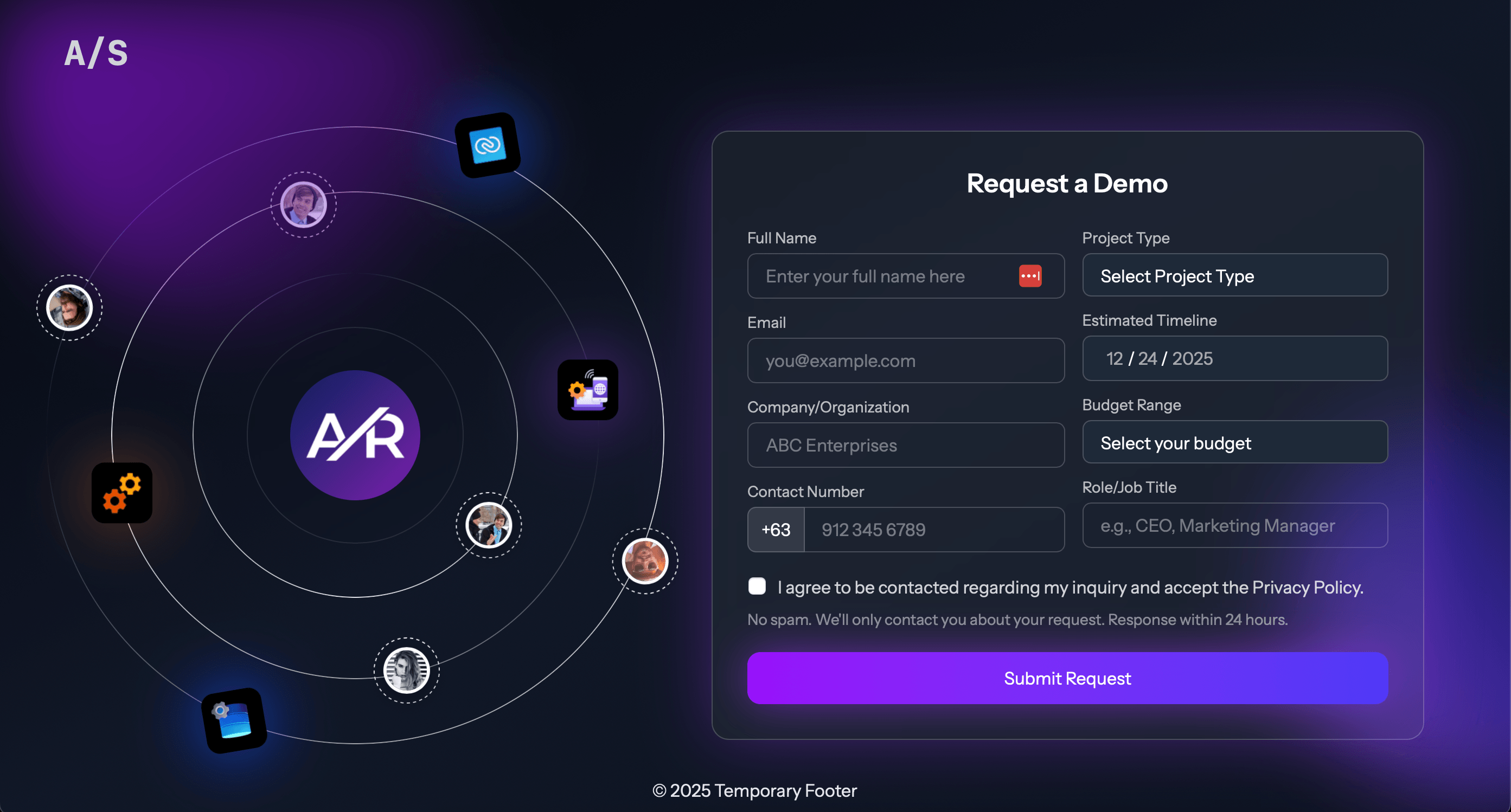
Integration Model
The product story is the data flow.
The application is intentionally small: collect a demo request, validate the submitted fields, authenticate with Zoho, map the request into a Lead payload, and return a clear result to the frontend.
- 1
Visitor
- 2
Demo request form
- 3
Laravel validation
- 4
ZohoCRMService
- 5
OAuth access token
- 6
Zoho CRM API
- 7
Lead created
Form Contract
Validation before integration.
Incoming demo requests are handled by a Laravel controller and validated before any CRM call is attempted. Required contact fields, project type, budget range, and terms acceptance form the server-side contract.
That keeps the external API boundary behind application validation instead of sending loosely shaped form data directly to Zoho.
full name
company
contact number
project type
budget range
timeline
job title
terms agreement
OAuth
Zoho authentication is isolated in the integration layer.
Configuration
Zoho client values, redirect URI, refresh token, and data-center settings are read from Laravel configuration and environment variables.
Token exchange
The callback route exchanges an OAuth authorization code for tokens, while the service uses the refresh-token grant to obtain access tokens.
Access token cache
Laravel Cache stores the Zoho access token for a short window, reducing repeated token requests before creating CRM Leads.
CRM Mapping
Form fields become a Lead payload.
- full_name
- Last_Name / First_Name
- contact_number
- Phone
- company
- Company
- job_title
- Designation
- project_type, budget_range, timeline
- Description
- Website Form
- Lead_Source
Response Handling
The integration reports success or failure back to the form.
Success path
When Zoho returns a successful Lead creation response, the controller returns JSON with a success message and the created Zoho record ID.
Failure path
Failed CRM responses and thrown exceptions return error JSON, while the service logs token and CRM response failures for debugging.
Current Scope
A working integration with clear boundaries.
Verified in the repository
- Laravel route and controller for demo request submission
- server-side request validation before CRM submission
- OAuth refresh-token flow for obtaining a Zoho access token
- cached access token reuse through Laravel Cache
- field mapping into the Zoho Leads API payload
- JSON success/error responses for the frontend form
Boundaries and limitations
- the repository includes only default example tests rather than integration-specific coverage
- no CI configuration was found in the project repository
- no queue, webhook, retry worker, duplicate-prevention layer, or local lead persistence was verified
- the project is presented as a lightweight integration, not a production-ready CRM or lead-management system
External Proof
Source code remains the proof point.
Reflection
Small integrations still need strong boundaries.
The value of this project is not in making a large CRM product. It is in keeping the boundary clear: the public form gathers the right data, Laravel validates and maps it, and the Zoho API receives a deliberate Lead payload.